
Setup
Settings & Organization
Settings controls how your organization works.
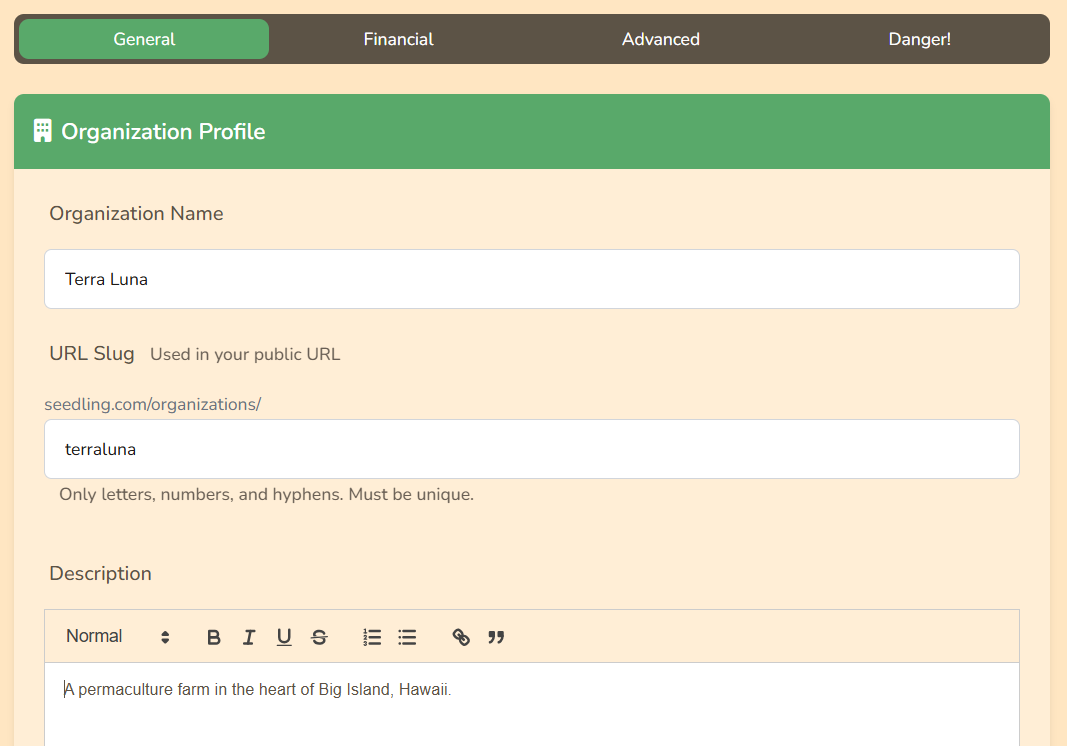
General
- Organization info: name, URL slug, contact details
- Logo: shown on dashboard and public page
- Work tags: labels for work logs and reports
- Timezone: controls date/time behavior
Financial
- Tax rate: default tax for new invoices/expenses
- Invoice defaults: terms, notes, numbering
- POS allocation: 4 percentages must total 100%
- Banking: connect bank feeds if available
- Payments: connect Stripe for online payments
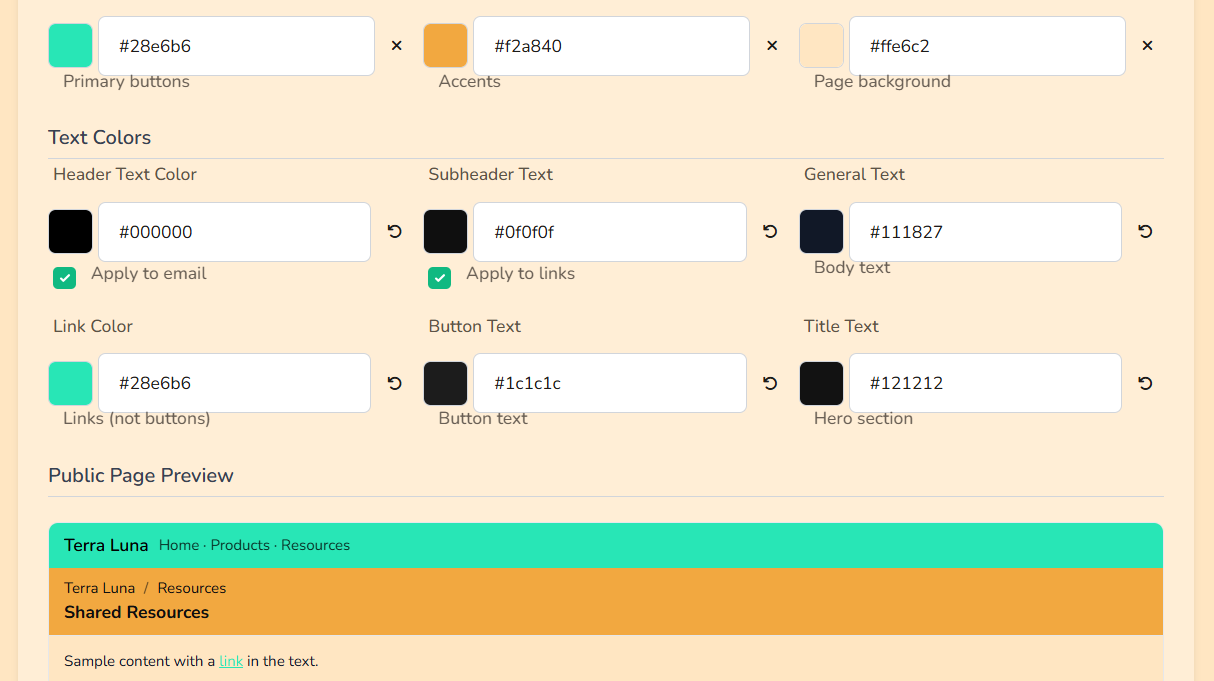
Public Page Settings
Set colors, header options, and contact visibility for your public page.
Advanced
- Sidebar visibility: show/hide menu items
- Beta features: turn on optional tools
- Integrations: connect external tools
Who can change settings?
Usually the Owner and managers with permission.