
Community
Shared Resources
Resources are things your organization can share, lend, or rent.
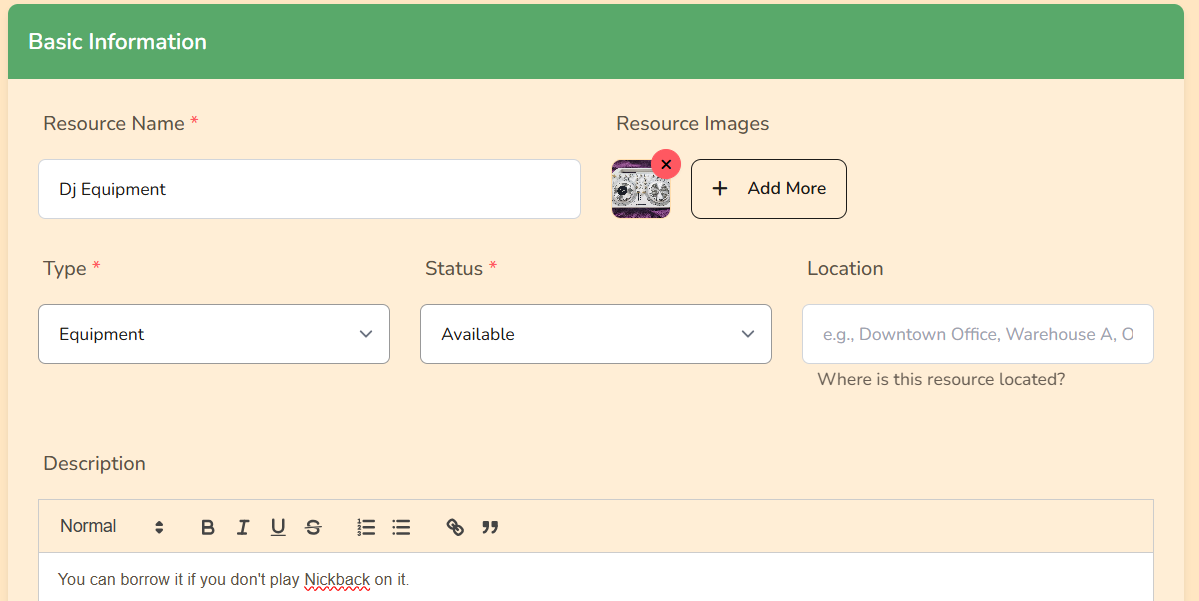
Creating a resource
- Go to Resources and click Create Resource
- Add name, description, and photos
- Set availability and price
- Choose who can see it
- Save
Booking flow
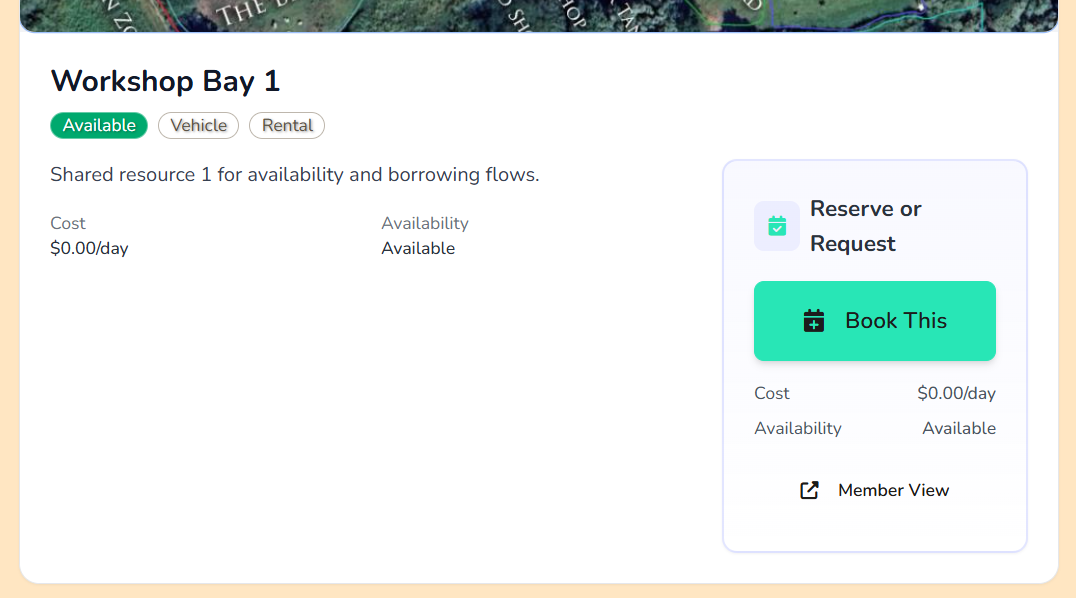
- Another organization or customer opens your resource
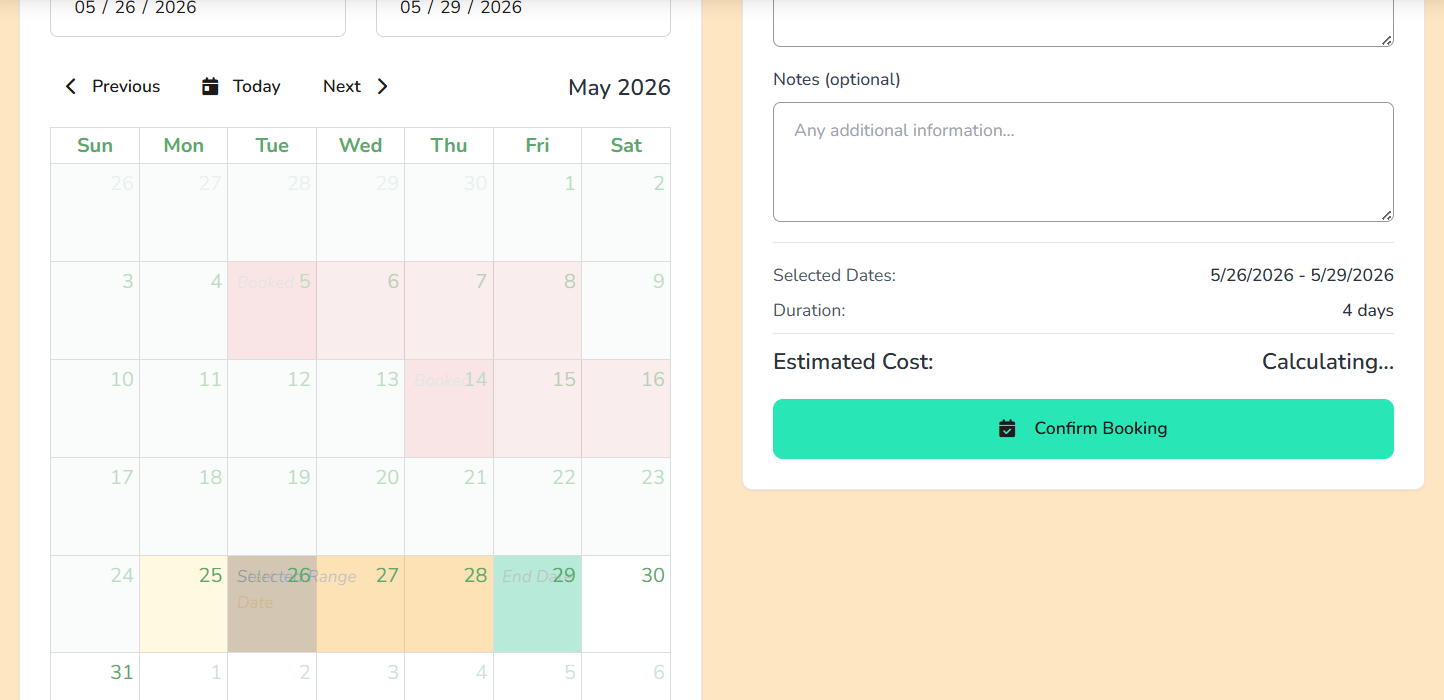
- They click Book and choose dates
- You approve or decline the request
- Use notes to communicate pickup and return details
See also Bookings & Calendar for how resource bookings relate to product bookings and the unified calendar.
Public resources
Public resources can appear at /organizations/slug/resources.
Patron-only resources
You can mark a public resource as Patron Only to lock booking access behind an active patron subscription. View the Patrons guide for setup steps.