
Community
Community & Connections
Community helps you connect with other organizations.
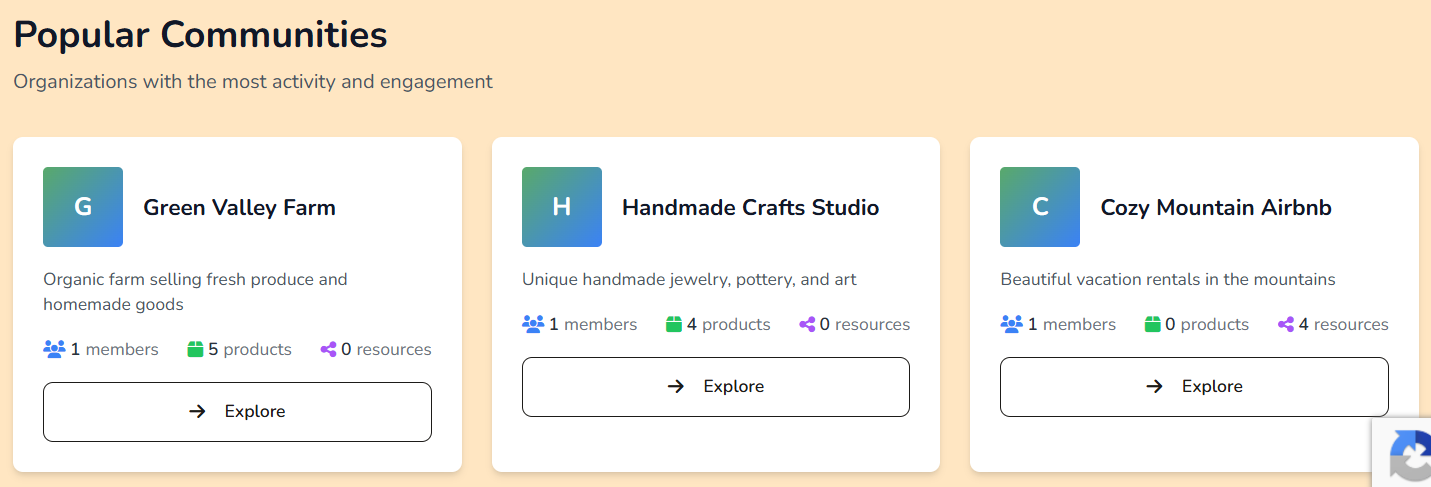
Discover organizations
Find public organizations and send connection requests.
- Open Discover organizations
- Search for an organization
- Open profile and click Send Connection Request
Connections
- Pending: accept or decline requests
- Active: current partner organizations
- Disconnect: end a partnership
Building a strong profile
- Complete your Settings
- Keep your public page updated
- Publish products , projects , or resources
- Post Community Updates regularly
Tokens & gamification
Some organizations use points/tokens for community activity.
Patron-only posts
When you create an update, you can choose Patrons Only visibility. Only active patrons can open those posts. Learn more in Patrons.