
Setup
Public Page & Branding
Every organization has a public page
at /organizations/your-slug.
What visitors see
- Your logo, name, and colors
- Public projects
- Store and resource links (if enabled)
- Community updates marked public
- Connection button for other organizations
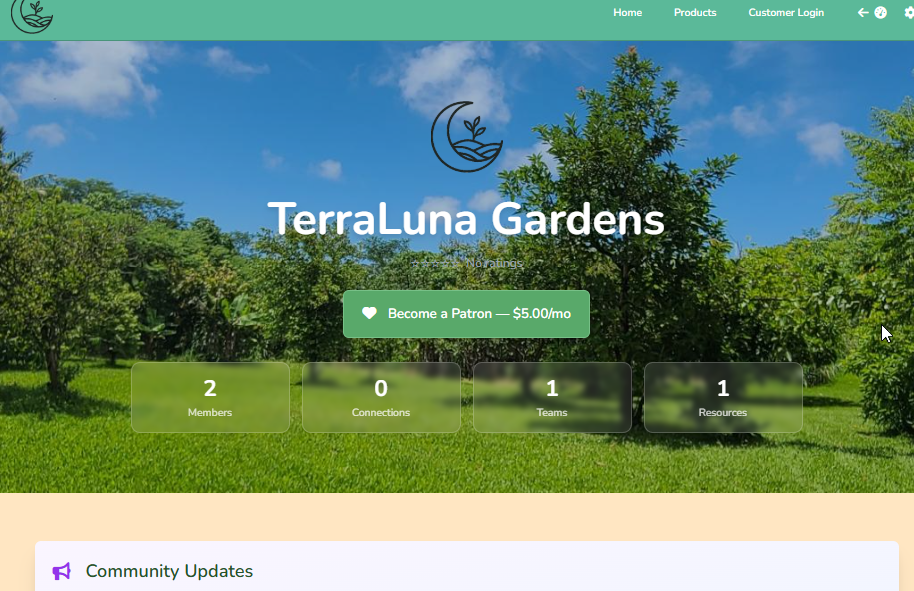
Header & navigation
You can choose if the header shows your logo and/or name in Public Page Settings.

Member vs visitor experience
- Visitors: browse, shop, and book
- Members: usually work in the dashboard
- Members can still open the public page anytime
SEO & sharing
Share this page URL on social media and email.
Customer-facing subpages
- Store
:
/organizations/slug/store - Public projects
:
/organizations/slug/projects/... - Public resources
:
/organizations/slug/resources/...