Operations
Projects & Tasks
Use projects for big goals. Use tasks for day-to-day work.
Projects
- Go to Projects and click New Project
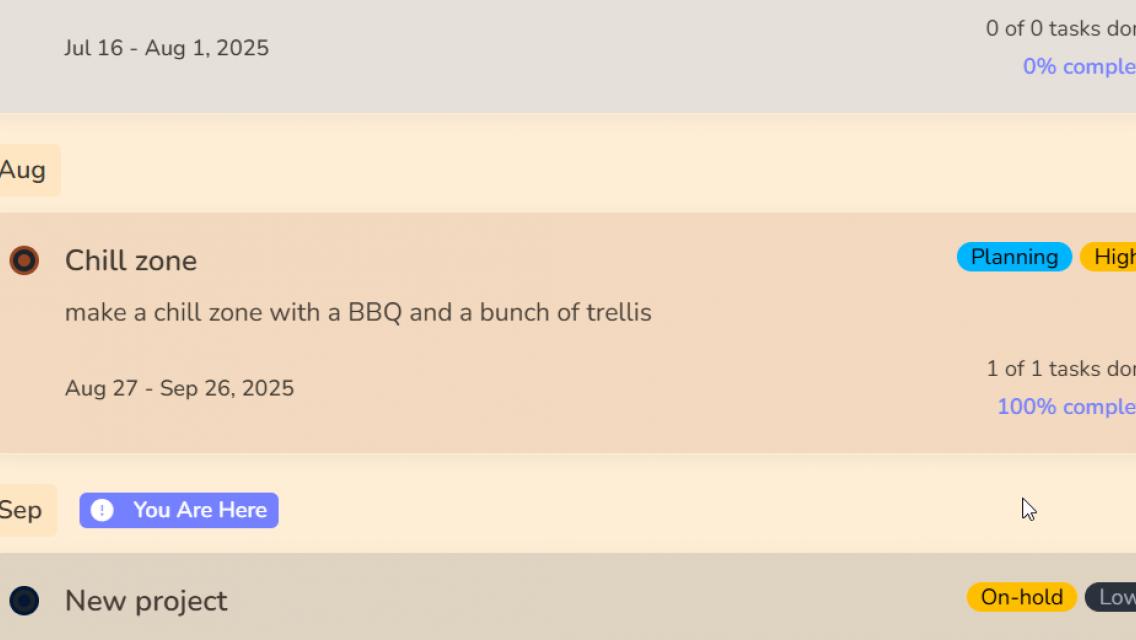
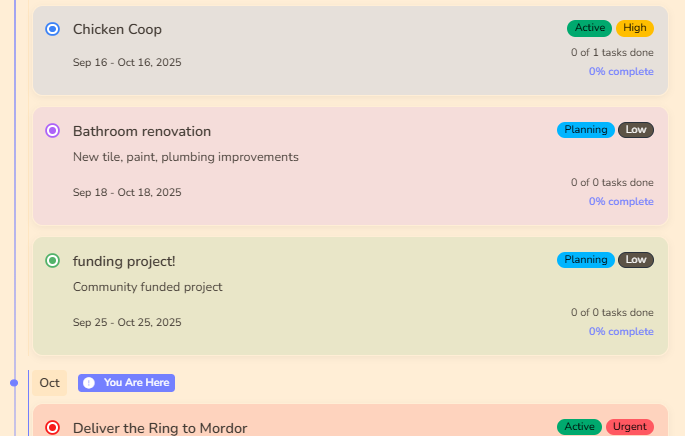
- Add name, dates, and team
- Choose status (Planning, Active, On Hold, Completed)
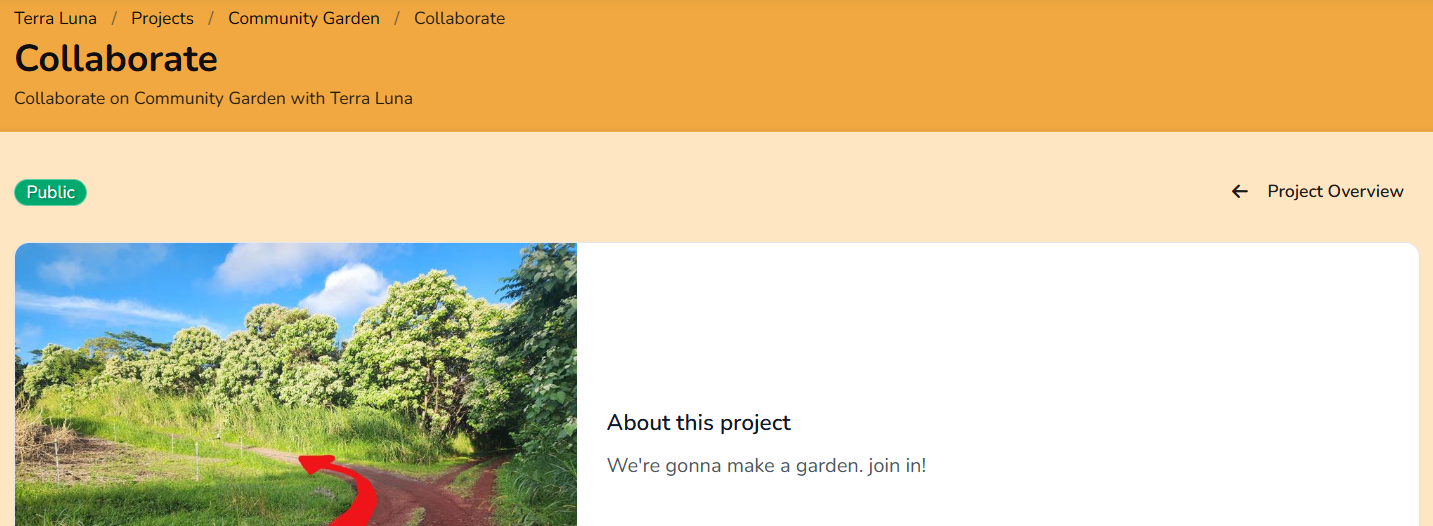
- Set public visibility if you want it on your public page

Tasks
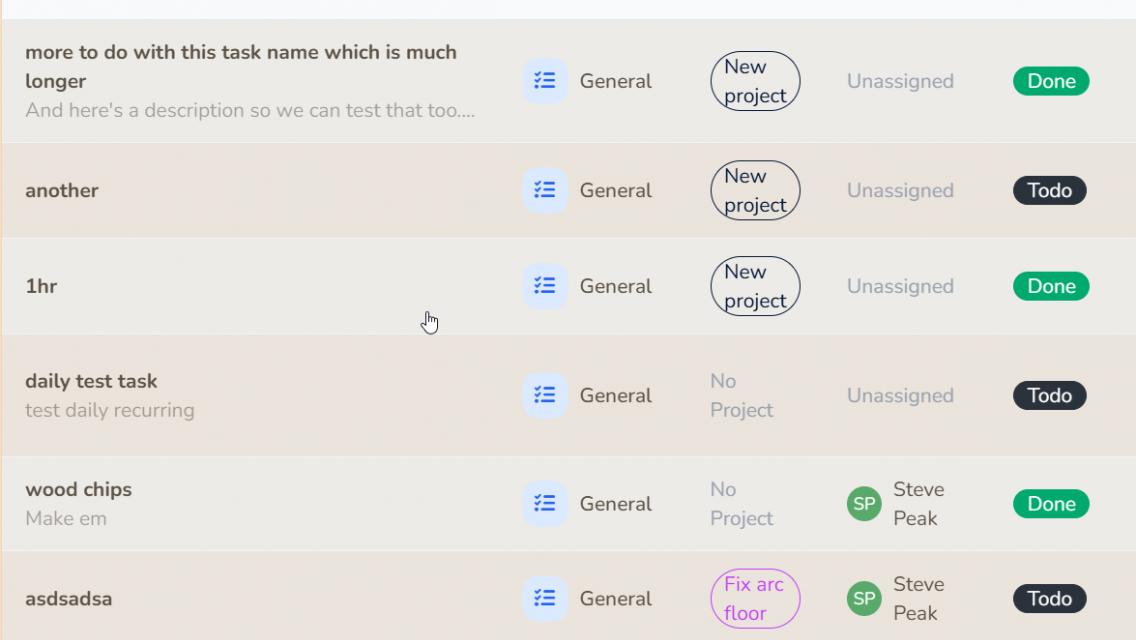
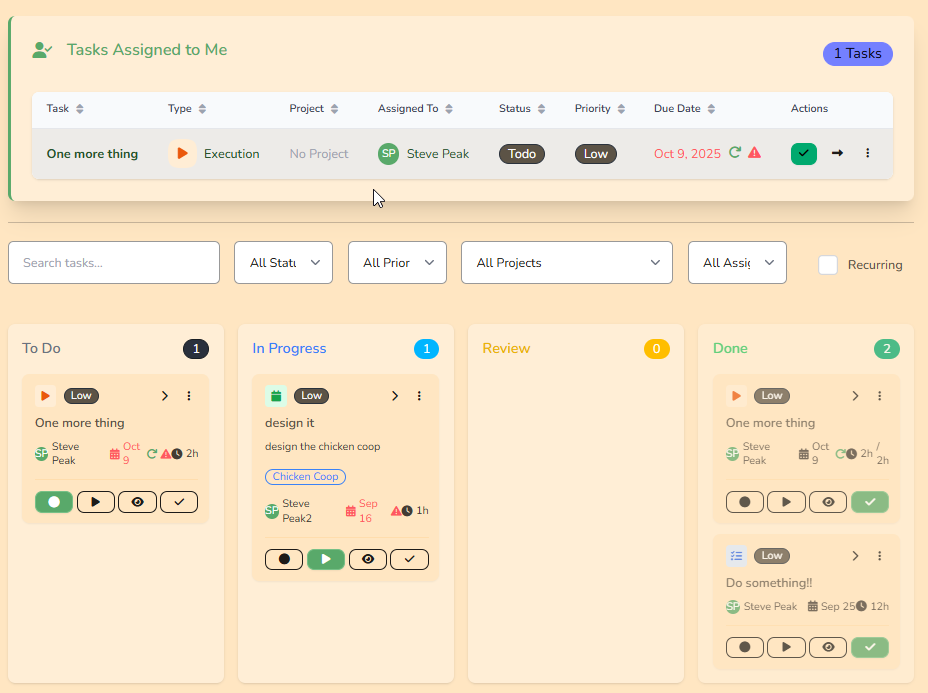
- List view : filter and search tasks
- Kanban : drag tasks across columns
- My Tasks : show only your tasks
- Task page: update status, assignee, notes, and work logs
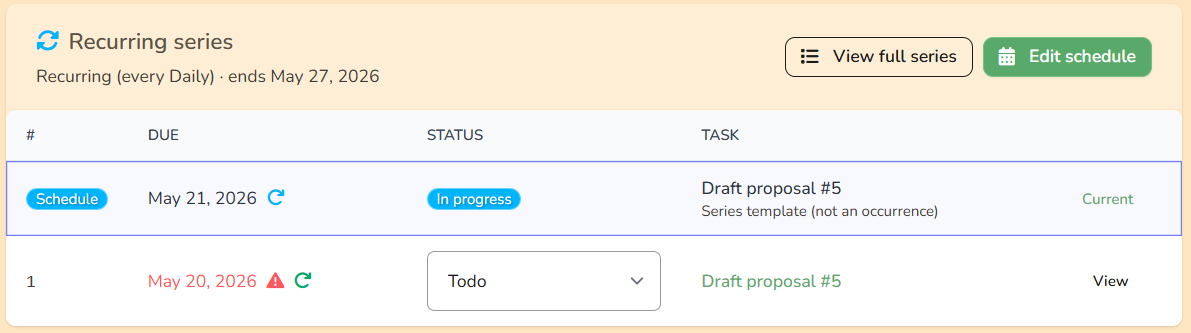
- Recurring tasks: repeat automatically on a schedule
Calendar
Use the calendar view to see dates for tasks and events.

Work logs on tasks
Add work logs to track time spent on tasks.
Public & collaborative projects
Public projects show on your organization page. You can also allow collaboration or funding if enabled.